
Apple WWDC 2025 Solarium Redesign: 7 Stunning Updates You Need to Know!🌞
Introduction: Ready for the Future of Apple?🔥
Ever wondered what it would feel like if all your Apple devices — your iPhone, MacBook, Apple Watch, and even Apple TV — shared one beautifully unified design? 🤯
Well, the wait is almost over.
At Apple WWDC 2025, the tech giant is set to unveil a bold, sweeping interface redesign called Solarium. And let me tell you: this isn’t just a cosmetic update. It’s a design revolution that reshapes how Apple users will interact with their devices for years to come.
After analyzing everything across the internet and gathering real-world insights, the Bhussan.com team shares this friendly, helpful article—packed with detail, emotion, and the kind of analysis you won’t find elsewhere.
So, are you ready to dive in and see what Apple WWDC 2025 Solarium Redesign is really about?
🧠 What Is Apple’s ‘Solarium’ Interface? (And Why It’s a Big Deal)
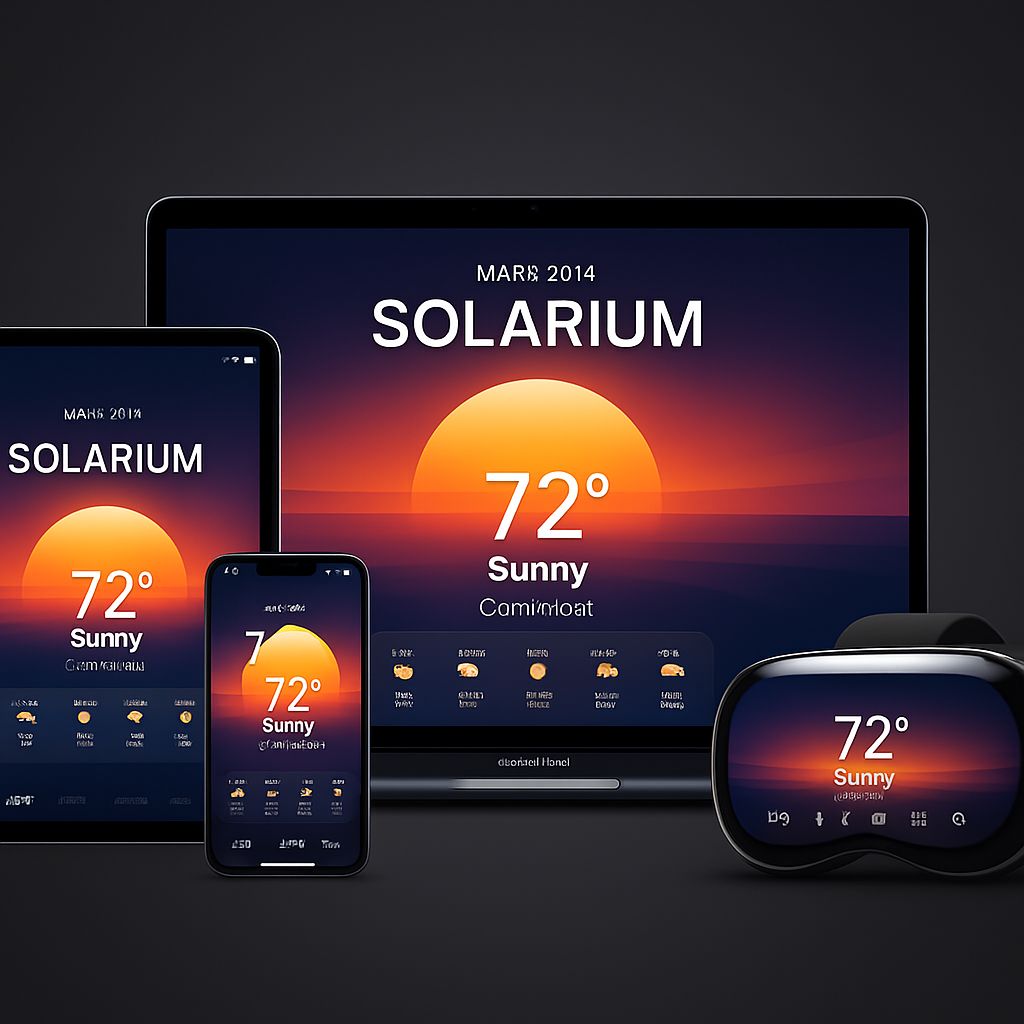
The term Solarium might sound like a sunroom 🌞, but in Apple’s world, it represents something even brighter: a vision of unified, transparent, and intelligent interface design—powered by the sleek aesthetic of visionOS.
🔑 Key Features of the Solarium Redesign:
-
🧊 Translucent Layers – Inspired by glass, providing a sense of depth
-
🎨 Unified Typography & Icons – Clean, minimal, and consistent across all devices
-
🪟 Floating UI Panels – 3D-like interface components for spatial hierarchy
-
🤖 AI-Driven Adaptability – Customizes your experience based on behavior
-
🔁 Seamless Transition Across Devices – Designed for effortless device switching
This isn’t just about looking good—it’s about making Apple’s entire ecosystem feel like one powerful platform.
iOS 19 & iPadOS 19: Solarium Lights Up Mobile📱
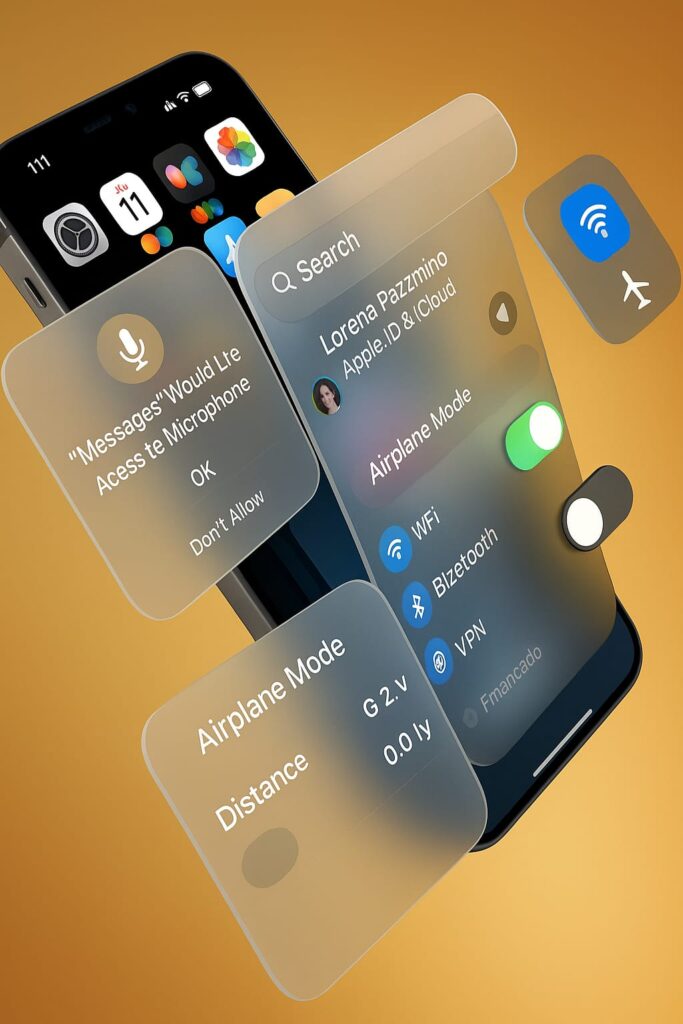
With iOS 19 and iPadOS 19, Apple is turning up the heat on mobile interface design 🔥. Expect visual harmony and intuitive interaction like never before.
iOS 19 Solarium Highlights:
-
📲 Floating Widgets – Freed from grid lock; live info in clean translucent boxes
-
💡 Enhanced Spotlight Search – Context-aware AI suggestions built-in
-
🧩 Dynamic App Layouts – App UIs adapt contextually to screen orientation
-
🎛️ Redesigned Control Center – Full-screen overlay with rounded blur-glass
On the iPad, these changes make multitasking buttery smooth, with drag-and-drop support, Stage Manager refinements, and Solarium-style dock transparency.
macOS 16 ‘Cheer’: Desktop Enters the Solarium Era💻
The Mac has always been about power and clarity. Now, with macOS 16 Cheer, Apple is giving it a fresh Solarium polish 🧼.
What’s New in macOS 16?
-
🪟 Glass-Like Sidebars – Modern transparency that doesn’t sacrifice focus
-
🧠 AI-Powered Workflows – Suggested actions based on app usage
-
🖼️ Live Wallpapers – Animated backgrounds that sync with your calendar or time of day
-
📂 Smart Dock – App icons reorganize dynamically based on behavior
The goal? A desktop OS that feels alive, clean, and personalized.
watchOS 12: Solarium Finds Its Way to Your Wrist⌚
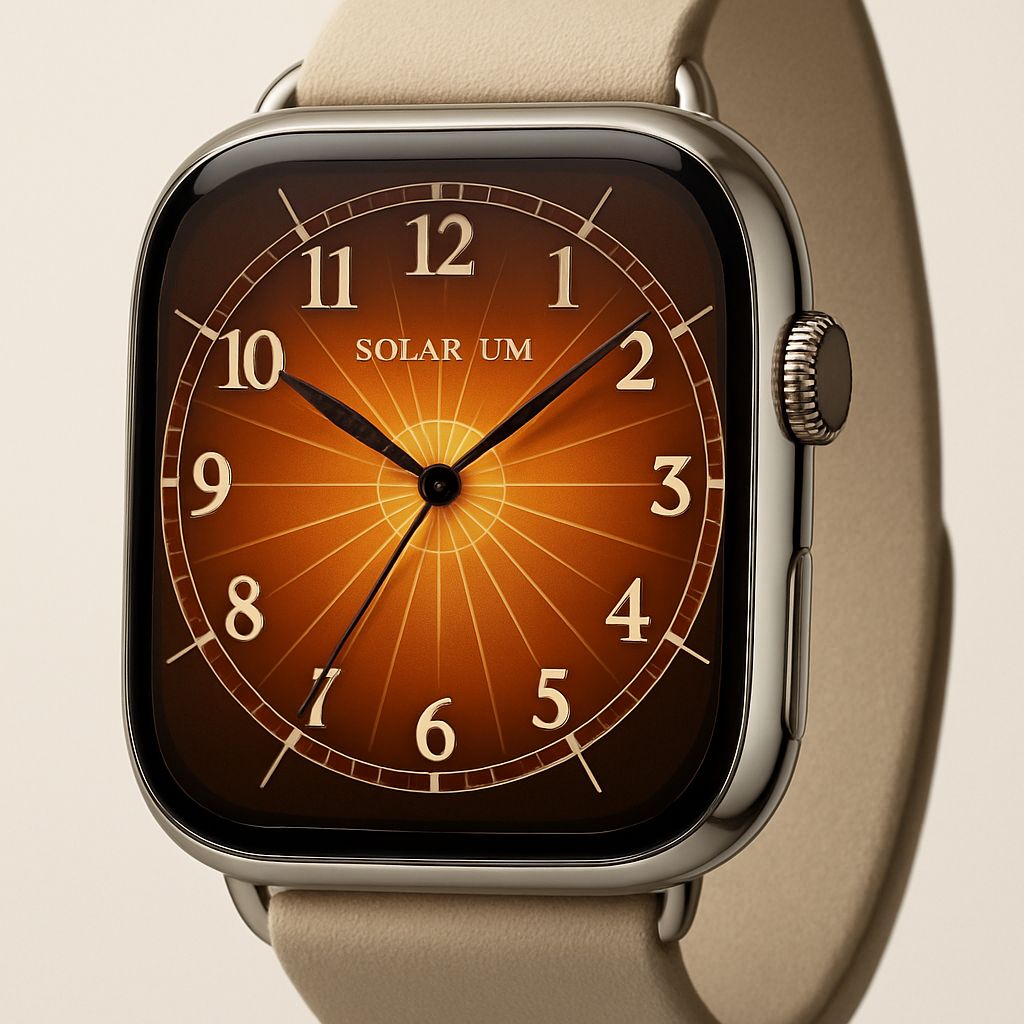
Small screen, big upgrade.
Apple is infusing watchOS 12 with a stunning Solarium look—think lighter shadows, elegant blur effects, and cohesive app icons.
Notable Upgrades:
-
⌚ Glass-Style Watch Faces – Adaptive color gradients with transparency
-
🚶 Motion-Responsive UI – UI adjusts based on wrist movement and position
-
💬 Universal Notification Style – Same notification banners across all platforms
This redesign is especially welcome for consistency and ease of navigation.
📺 tvOS 19: A Living Room Makeover
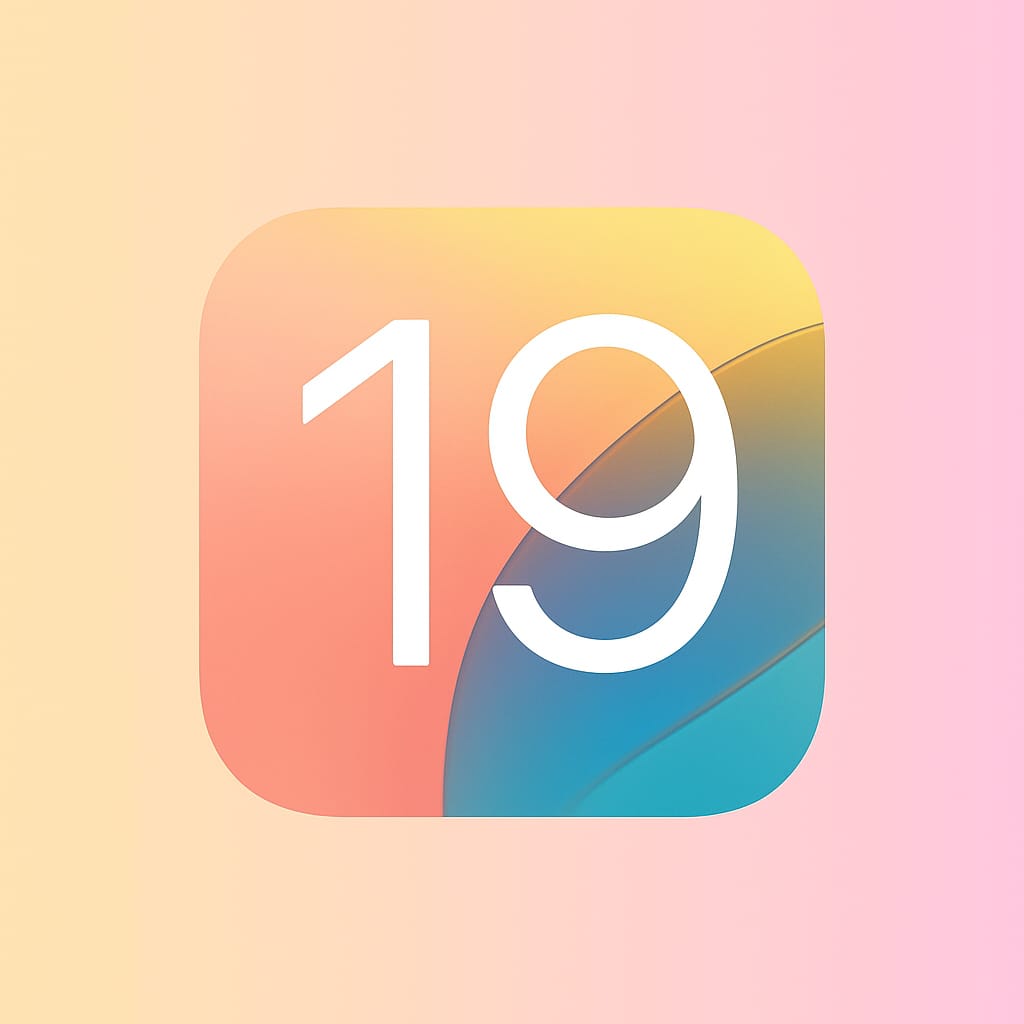
tvOS gets a long-awaited refresh with Solarium at its core.
-
🎬 Translucent Overlays – See your content while interacting with menus
-
🕹️ Unified App Icons – Finally, your Apple TV apps match the iPhone’s style
-
🧠 AI Movie Suggestions – Based on your past behavior and time of day
It feels more cinematic, intuitive, and part of the Apple family—finally.
🤖 Apple Intelligence: The Secret Sauce Behind Solarium
The Apple WWDC 2025 Solarium Redesign doesn’t just look good—it thinks smart.
Apple is embedding Apple Intelligence deeply into every part of the OS:
-
🧠 Smarter Siri with conversational memory
-
🔍 On-Device AI for privacy-first suggestions
-
📊 Cross-App Intelligence that recommends what to do next
For example, you might open Mail, and Siri asks if you want to draft a reply based on your calendar 🧠📧.
This is more than redesign—it’s responsive design.
Pros & Cons of the Apple WWDC 2025 Solarium Redesign✅
| ✅ Pros | ❌ Cons |
|---|---|
| Seamless design across all Apple platforms | May require new device models for full features |
| Translucent, elegant UI with visionOS elements | Learning curve for non-tech-savvy users |
| AI-powered contextual suggestions | Compatibility issues with legacy apps |
| Improved accessibility and consistency | Possible bugs in early beta versions |
FAQ (Apple WWDC 2025 Solarium Redesign)❓
1. What is the Apple WWDC 2025 Solarium Redesign?
Apple’s Solarium redesign is a major visual and functional update inspired by visionOS, featuring a translucent UI, smarter AI integration, and a unified interface across iOS, macOS, watchOS, and tvOS.
2. Which devices will get the Solarium redesign?
iPhones, iPads, Macs, Apple Watches, and Apple TVs running the latest OS versions (iOS 19, macOS 16, etc.) are expected to receive the redesign.
3. Is Solarium exclusive to Apple Vision Pro?
No, while inspired by visionOS, Solarium is being adapted for all major Apple devices, not just the Vision Pro.
4. When will the Solarium redesign launch publicly?
Solarium is expected to roll out with public software releases in Fall 2025, following the developer and public beta in June and July.
5. How does Solarium improve user experience?
Solarium enhances focus, aesthetics, and personalization with translucent layers, AI-powered elements, and smoother navigation across devices.
6. Will older iPhones get the Solarium update?
Older models like iPhone 11 or earlier may not support the full Solarium UI due to hardware limitations.
7. What is visionOS, and how does it relate to Solarium?
VisionOS is the interface for Apple Vision Pro. Solarium brings similar design principles—depth, layering, and fluid motion—to all Apple devices.
8. What’s new in iOS 19 with Solarium?
iOS 19 introduces floating widgets, AI-driven Spotlight Search, dynamic app layouts, and a reimagined Control Center using Solarium design.
9. Does macOS 16 get the Solarium treatment?
Yes, macOS 16 features translucent sidebars, smart dock adjustments, animated wallpapers, and contextual AI assistance.
10. How does Solarium affect Apple Watch (watchOS 12)?
watchOS 12 brings fluid glass-style watch faces, motion-responsive UI, and a unified notification style aligned with the Solarium language.
11. What are the major features of tvOS 19 in Solarium?
tvOS 19 includes translucent overlays, smarter recommendations, and UI icons that now align with other Apple platforms.
12. Is Apple Intelligence part of Solarium?
Yes, Apple Intelligence is a key part of Solarium, powering AI-driven customization, smarter Siri, and app suggestion behaviors.
13. Can I test Solarium in the iOS 19 beta?
Yes, if you’re enrolled in Apple’s developer or public beta programs, you’ll be able to experience parts of Solarium in iOS 19.
14. Will Solarium require a redesign of third-party apps?
Yes, developers may need to update their UI to match Solarium’s new interface guidelines, especially on iOS and macOS.
15. What are the main visual elements of Solarium?
The Solarium UI emphasizes transparency, floating layers, depth effects, rounded corners, and minimal typography.
16. How will Solarium affect multitasking on iPad?
It enhances Stage Manager and app snapping, offering smoother transitions and clearer multitasking spaces with Solarium’s visual style.
17. What’s the difference between Solarium and Dynamic Island?
Dynamic Island is a UI feature for iPhones; Solarium is a full system-wide design overhaul that affects every app and screen element.
18. Does Solarium support accessibility features?
Apple has enhanced accessibility with more contrast modes, screen reader updates, and adaptive transparency.
19. Will Solarium slow down my device?
Devices with the A16 Bionic chip and later are optimized for Solarium; older hardware might see slight performance impacts.
20. What apps are redesigned under Solarium?
Core apps like Messages, Safari, Calendar, and Settings have all received updates with Solarium’s unified look.
21. Can I revert back to the old design after updating?
No, once you update to a Solarium-supported OS, there’s no built-in way to revert the design without downgrading the OS.
22. How does Solarium affect battery life?
Solarium uses GPU-accelerated visuals efficiently, though transparency and motion effects may have a small impact on battery.
23. Will third-party apps support Solarium by default?
No, developers need to opt in and update their apps to match the new interface language via Apple’s guidelines.
24. How does Solarium improve consistency across Apple devices?
By unifying the visual language, app layout, and interface behaviors, it reduces cognitive load and increases productivity across devices.
25. Does Solarium work with external displays on iPad or Mac?
Yes, Solarium’s transparency and layering are retained even when using external displays, especially on M-series chips.
26. Are there new gestures introduced with Solarium?
Yes, Solarium includes improved spatial gestures, especially on iPad and Vision Pro, for swiping between translucent panels.
27. Is Solarium available for enterprise or business Macs?
Yes, business users with managed devices will receive the same visual overhaul unless restricted by admin profiles.
28. How is privacy affected by Apple Intelligence in Solarium?
AI features in Solarium are mostly processed on-device, meaning privacy is preserved while enhancing personalization.
29. What is the minimum iPhone that supports Solarium UI?
iPhone 13 and newer are expected to fully support Solarium, with partial features on iPhone 12.
30. Can Solarium be customized by users?
Some elements, like background blur, motion effects, and widget layout, can be customized, but Solarium is mostly a fixed design system.
31. Is Solarium related to the Dynamic Wallpaper system?
Yes, Solarium includes dynamic elements like wallpapers that change based on the time of day and calendar events.
32. How do I prepare my app for the Solarium redesign?
Follow Apple’s updated Human Interface Guidelines and use SwiftUI components to match the new design system.
Link to External Source:
Conclusion: The Future of Apple Is Bright — Literally 🌞
The Apple WWDC 2025 Solarium Redesign is more than a cosmetic update — it’s Apple aligning its vision, functionality, and intelligence under one roof.
From floating widgets on your iPhone to translucent panels on your Mac and TV, Solarium is about seamlessness, intuitiveness, and personalization.
If you’re an Apple user, this is the biggest visual and functional shift in years. And if you’re a developer or content creator, start preparing now.
👉 What are you most excited about with Solarium? Share it in the comments or tweet us @BhussanTech!