
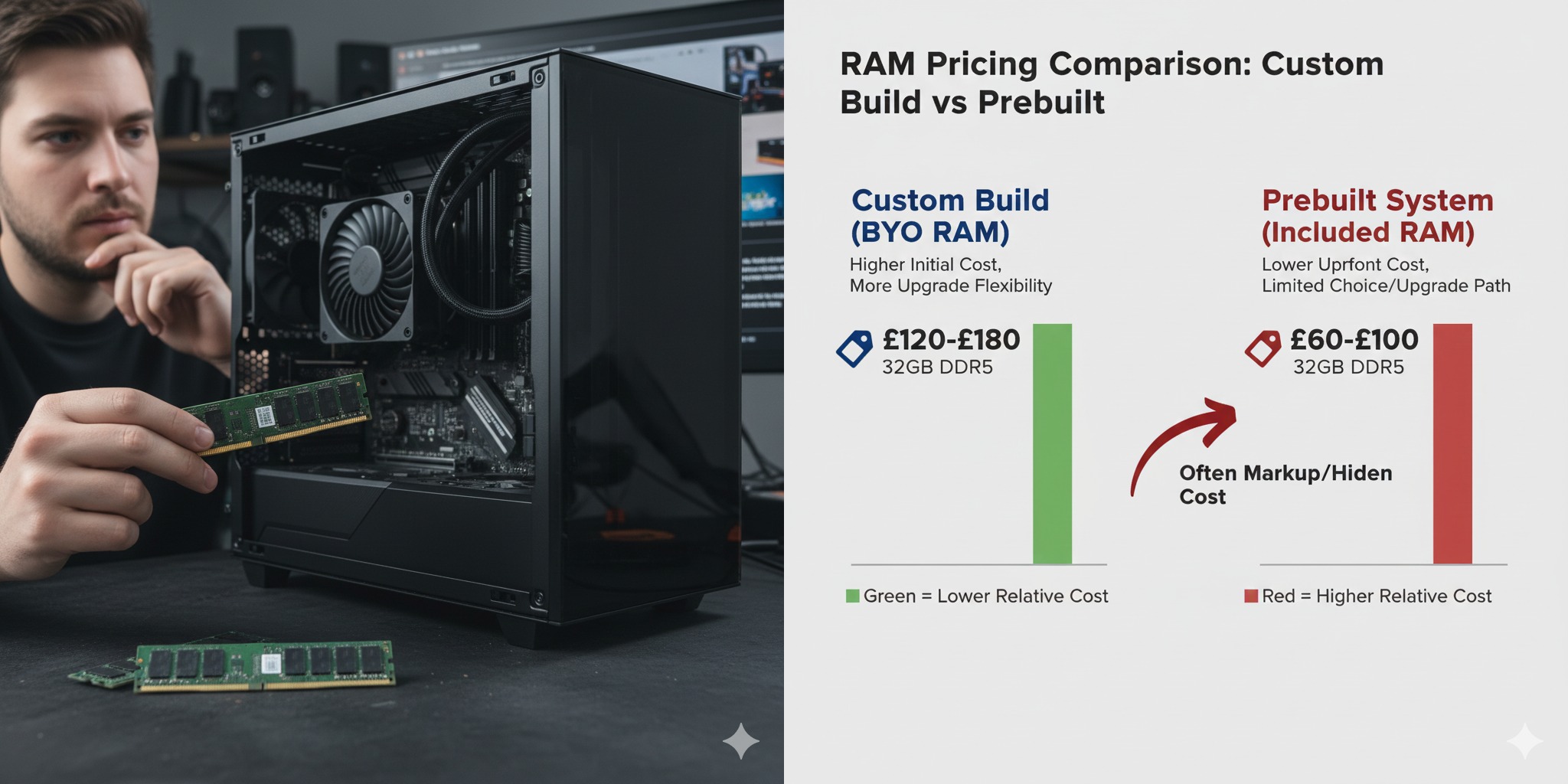
In recent years, custom PC building has evolved from a niche hobby to a mainstream activity. Whether you’re a gamer, a professional video editor, or someone looking to upgrade their work machine, building your own PC has never been more accessible. But now, there’s a new twist to the PC-building world: BYO RAM (Bring Your Own RAM).
RelatedPosts
You might be wondering, “What is BYO RAM, and why should I care?” Well, you’re not alone. As memory prices skyrocket and supply chains remain disrupted, more custom PC builders, like Maingear and Paradox Customs, are introducing a new approach to buying a prebuilt system: BYO RAM.
In this article, we’ll walk you through the BYO RAM trend, explore the pros and cons, and help you understand whether it’s the right choice for your next PC build. Let’s dive in! After researching real experiences, expert opinions, and publicly available information, the Bhussan team shares this practical and reader-friendly guide. Let’s break down everything you need to know.
What is BYO RAM?
BYO RAM stands for “Bring Your Own RAM,” a new practice where PC manufacturers, instead of including memory (RAM) in prebuilt custom PCs, ask customers to either:
-
Bring their own RAM from an existing system.
-
Buy compatible RAM separately and ship it to the manufacturer for testing before installation.
The trend emerged due to skyrocketing memory prices driven by high demand from sectors like AI and gaming. Instead of letting customers pay inflated prices for RAM that could change in price by the time the system ships, companies are now encouraging buyers to take control of their own memory choices.
The Rise of BYO RAM in Custom PC Builds
Why is BYO RAM becoming more common?
The main reason is simple: memory prices are out of control. A few months ago, it was possible to find 32GB sticks of DDR5 RAM for under $200. Today, some brands are selling similar products for over $500.
Due to the AI-driven demand and limited supply, PC builders are finding it increasingly difficult to keep prices low and predictable for consumers. This shift to BYO RAM allows companies to manage costs more effectively while giving buyers the flexibility to choose their own memory.
Why Should You Consider BYO RAM?
1. Cost Savings
The most obvious advantage is cost savings. Since memory prices fluctuate frequently, BYO RAM allows buyers to avoid paying the inflated prices often bundled into prebuilt systems. You have the freedom to shop for memory at your own pace, potentially finding a deal that suits your budget.
2. Customization
With BYO RAM, you’re not limited to the memory options a builder offers. You can choose the exact RAM size, speed, and brand that best suits your needs. This level of customization can be particularly useful for power users and gamers seeking high-performance memory.
3. Sustainability
If you have an old PC lying around, BYO RAM offers an environmentally friendly solution. Instead of throwing out perfectly good RAM, you can reuse it in your new build. It’s a great way to recycle old tech and get more mileage out of your previous hardware.
4. Flexibility in Timing
Given the volatile nature of RAM prices, BYO RAM allows you to wait for the right time to buy. You can watch for price drops, wait for sales, or even shop around for better deals from different sellers.
How Does BYO RAM Work in Practice?
The process of BYO RAM involves a few simple steps:
-
Choose Your RAM: You’ll need to find compatible memory for your new PC build. Check your motherboard’s specifications to ensure compatibility (e.g., DDR4 vs DDR5, speed, capacity).
-
Ship or Bring It to the Builder: If you’re buying from a custom PC builder like Maingear, you’ll need to send your RAM to them. Some builders may even let you bring it directly to their store or warehouse.
-
Validation and Testing: The company will test your RAM to ensure it’s compatible with the rest of the components in your system.
-
Installation: Once validated, the memory is installed, and the rest of your PC is built and sent to you.
This process can take a little longer than ordering a fully pre-configured PC, but it’s worth the savings and the opportunity to choose your own components.
Pros & Cons of BYO RAM in Custom PC Builds
| Pros | Cons |
|---|---|
| Cost Savings: Avoid inflated memory prices | Increased Effort: You’ll need to source your own RAM, which can take time |
| Customization: Pick the RAM that suits your needs | Compatibility Issues: Not all RAM works with every motherboard or system configuration |
| Sustainability: Reuse old RAM from a previous PC | Potential Delays: Sending RAM for testing could delay the build process |
| Flexibility in Timing: Buy RAM when prices are lower | Limited to Available Stock: It can be harder to find specific models at the right price |
Is BYO RAM Right for You?
When should you consider BYO RAM?
-
If you’re experienced with PC building and know what kind of memory you need.
-
If you’re on a budget and looking to avoid inflated prices for RAM.
-
If you already have spare RAM or want to repurpose memory from an older PC.
When should you skip BYO RAM?
-
If you’re a beginner and don’t want the hassle of researching compatible memory.
-
If you need a quick solution, Sourcing RAM separately might delay your PC build.
-
If you prefer simplicity and don’t want to worry about testing and compatibility.
Conclusion: Is BYO RAM the Future of Custom PC Builds?
The BYO RAM trend is here to stay, and it’s making custom PC building more flexible than ever. For those willing to take on a little extra work, this can be a great way to save money, customize your PC, and stay ahead of the ever-fluctuating RAM prices.
If you’re looking for more control over your PC build and want to avoid sky-high memory costs, BYO RAM could be the perfect solution for you. However, if you prefer a more hands-off approach or are new to building, a pre-configured system might still be the better option.
FAQ: Everything You Need to Know About BYO RAM
1. Is BYO RAM only for high-end builds?
No! While BYO RAM is common in high-end gaming PCs, anyone looking to save on a custom build can take advantage of this trend. It’s for anyone who wants more flexibility in their build.
2. How do I know if my RAM will be compatible with my new system?
Check your motherboard’s specifications for the supported RAM types (DDR4 or DDR5), speeds, and capacities. Compatibility tools from sites like PCPartPicker can also be helpful.
3. Can I use old RAM in a new system?
Yes, as long as it’s compatible with the new motherboard and meets the necessary speed and capacity requirements. Always check the specifications before reusing RAM.
4. What if my RAM isn’t compatible with my new system?
If your memory is incompatible, the builder will return it. You can either buy new RAM or source another compatible option.
5. Does BYO RAM save money in the long run?
Yes, especially if you’re able to buy RAM at a lower price during sales or repurpose existing memory. It also gives you the ability to shop around for the best deals.
Internal Linking Suggestions:
-
Best Motherboards for DDR5 Memory in 2025
-
Is It Better to Build or Buy a Prebuilt Gaming PC?
External Authority Link Suggestions:
-
PCPartPicker – For compatibility checks and price comparisons.
-
Tom’s Hardware – In-depth RAM buying guides and reviews.