
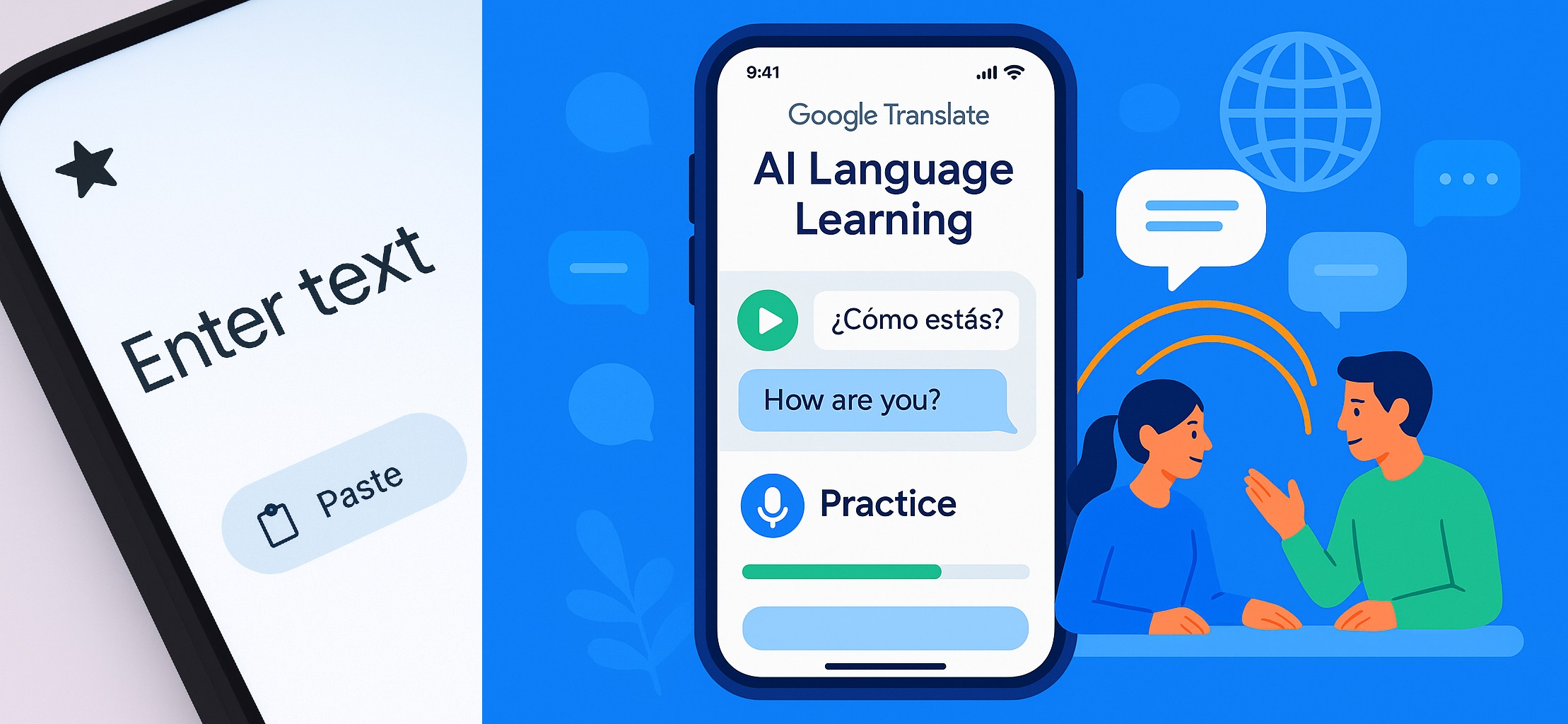
Introduction: Google Translate AI Language Learning
Google Translate AI Language Learning is changing the way people learn languages, offering personalized lessons, real-time conversation, and interactive practice. Imagine a tool that not only translates words but also helps you practice speaking and listening in real-time. Is this something you’d search the entire internet for, analyze, and separate from everyone else? After analyzing everything across the internet and gathering real-world insights, the Bhussan.com team shares this friendly, helpful article. Let’s dive deep into Google Translate AI Language Learning, the new way to speak, listen, and converse like a pro!
Google Translate AI Language Learning app interface showing an AI-generated practice screen for listening and speaking exercises. Video Credit: YouTube/Google
Section 1: What is Google Translate AI Language Learning?
Google Translate AI Language Learning isn’t just your standard translation app. It’s now evolving into a smart, interactive tutor. Using AI, it generates personalized lessons for listening and speaking, adapting to your skill level—whether you’re a beginner, intermediate, or advanced learner.
Imagine this: You select your level, and the app presents real-world scenarios like ordering food in a new city, asking for directions, or even discussing hobbies. You can choose to practice listening, where the app plays clips of native speakers, or speaking, repeating phrases that appear on the screen. Google even asks for your motivation, which helps the AI tailor lessons to your personal goals.
This AI-powered system works with research-backed methodologies and learning experts, aiming to make language learning more efficient and fun. While it’s still in beta on iOS and Android, it has the potential to replace traditional apps like Duolingo for users looking for a free and adaptive experience.
Section 2: Enhanced Live Conversation Feature
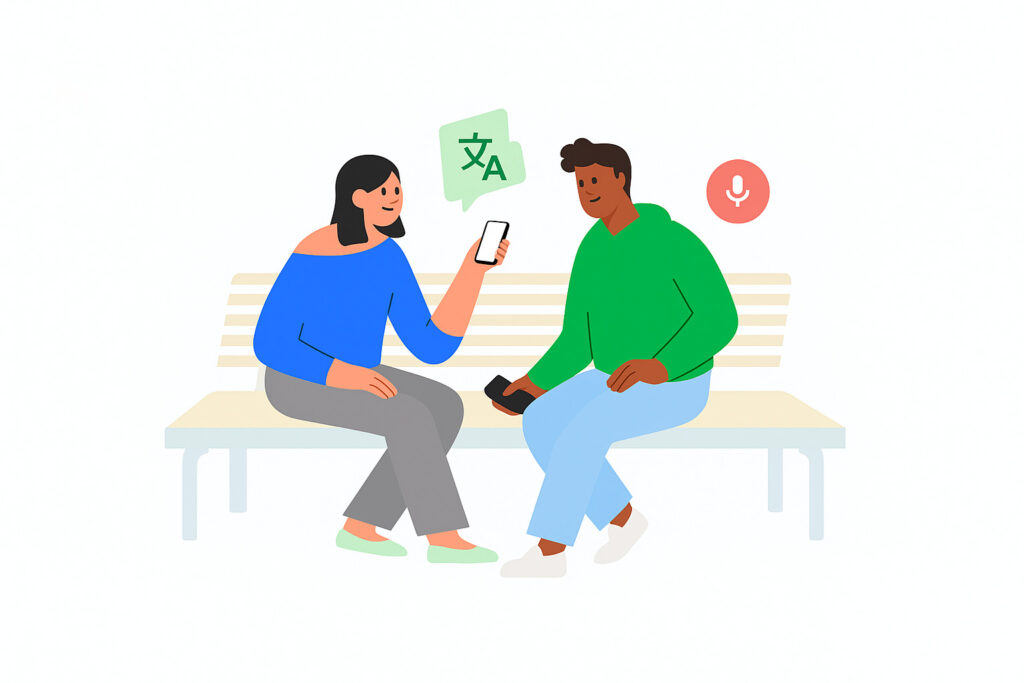
One of the most exciting upgrades is the live conversation translation. Previously, Translate allowed conversations to be translated, but now, it translates your speech as you speak, displaying it for the other person and reading it aloud if needed.
This isn’t just translation; it’s real-time multilingual communication. It supports over 70 languages, including Arabic, French, Hindi, Korean, Spanish, and Tamil. Noise filtering, smart language switching, and transcription features make it practical for airports, offices, and casual conversations.
Think about it: You could chat with someone across the globe and understand each other effortlessly. It’s a massive leap for communication and learning, as the app now doubles as both a translator and a conversation coach.
Section 3: Google Translate vs. Duolingo – A Comparative Look
| Feature | Google Translate AI Language Learning | Duolingo |
|---|---|---|
| Learning Approach | Adaptive, scenario-based | Gamified, structured progression |
| Real-Time Conversation | ✅ Yes | ❌ No |
| Skill Customization | Tailored by AI | Fixed levels |
| Language Support | 70+ languages | 40+ languages |
| Cost | Free | Free + premium options |
| Offline Capability | ✅ Yes, with downloaded languages | ✅ Limited |
While Duolingo focuses on gamification and progression, Google Translate AI is all about practical, personalized learning and live application.
Section 4: Pros & Cons
| Pros | Cons |
|---|---|
| Adaptive AI learning tailored to goals | Currently in beta |
| Free to use | May lack gamified elements for some |
| Real-time conversation translation | Limited motivation input customization |
| Supports 70+ languages | May require an internet connection |
| Research-backed learning methodologies | Advanced learners might want more depth |
Section 5: Conclusion
In short, Google Translate AI Language Learning is transforming the way we approach learning languages and connecting with people globally. Whether you’re practicing Portuguese for an upcoming trip or chatting with a new friend across the globe, this AI-powered tool has something for everyone. If you’re serious about improving your language skills efficiently, this is a must-try.
So, are you ready to explore smarter, faster, and interactive language learning?
FAQs:
1. What is Google Translate AI Language Learning?
Think of it as Google Translate leveling up into a personal language coach. Instead of just translating words, it now creates custom listening and speaking exercises based on your skill level and goals. You get real-life scenarios, interactive lessons, and even live conversation practice—all powered by AI. It’s like having a tutor in your pocket! 🌍
2. How do I access AI practice sessions?
Super simple! Open your Google Translate app on iOS or Android, look for the “Practice” or “Language Lessons” section, select your skill level (Basic, Intermediate, or Advanced), and you’re ready to start. You can choose listening exercises or speaking exercises depending on what you want to improve. 🎧🗣️
3. Which languages are supported in live conversation?
Right now, it supports over 70 languages, including popular ones like Spanish, French, Hindi, Arabic, Korean, and Tamil. Google keeps expanding, so chances are your language is included or will be soon! 🌐
4. Can beginners use this feature effectively?
Absolutely! There’s a “Basic” level for learners who know a few words and phrases. The AI adapts to your progress, so even if you’re starting from scratch, you can build confidence step by step. It’s designed to be friendly, not overwhelming. ✅
5. Is it free to use?
Yes! Unlike many language apps with subscription plans, Google Translate AI features are completely free. You just need the app installed on your phone. 💸
6. How does AI tailor lessons to my skill level?
The AI asks your proficiency (Basic, Intermediate, Advanced) and, optionally, your motivation for learning. Then it picks exercises that match your level. For example, a beginner might practice simple greetings, while an advanced user could do full conversation scenarios. It’s all about personalized learning. 🎯
7. Can I practice offline?
Yes, but with some limitations. If you download the language pack for offline use, you can still do most exercises, though some live conversation features require the internet for real-time translation. 📶
8. How accurate is the live translation?
Pretty accurate! The AI translates your speech in real-time and displays it on the other person’s screen. While no AI is perfect, Google’s live conversation is fast and clear enough for everyday chatting, ordering food, or travel conversations. It even handles accents and background noise fairly well. 🗨️✨
9. How does it compare to Duolingo?
Google Translate AI focuses on practical, real-life communication, whereas Duolingo is more about gamified lessons and structured progression. Translate is adaptive and conversation-oriented; Duolingo is fun and gamified. Depending on your learning style, you might even use both! ⚖️
10. Can I track my progress over time?
Yes! The app monitors how you perform in exercises and adjusts the difficulty accordingly. While it’s not as detailed as some dedicated language platforms, you can still see which areas you’re improving in and which ones need more practice. 📈