
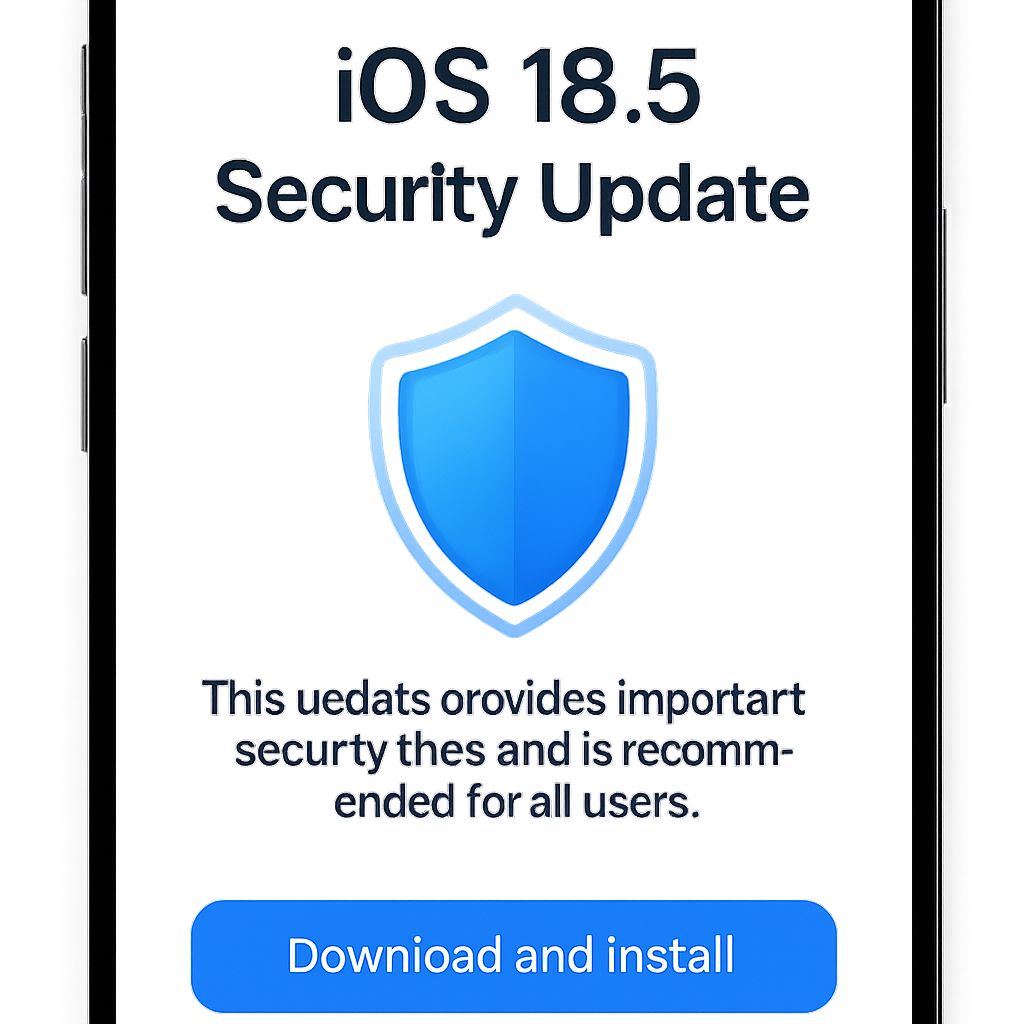
iOS 18.5 Security Update: Why Every iPhone User Must Install It Now🚨
Is your iPhone really safe? What if something as simple as receiving a photo or connecting to a public network could expose your private data to hackers?
After analyzing everything across the internet and gathering real-world insights, the Bhussan.com team shares this friendly, helpful article to guide you through the iOS 18.5 security update — arguably the most important Apple patch of the year.
What Makes the iOS 18.5 Security Update So Urgent?📊
Apple regularly rolls out updates, but iOS 18.5 is different. It fixes over 30 major vulnerabilities that could be exploited to:
-
Crash your apps
-
Corrupt memory
-
Hijack network traffic
-
Steal your private data
And yes, some of these flaws were already being used by attackers before the patch.
One of the most severe risks? A vulnerability in AppleJPEG, the engine that handles image files on your phone. Another huge issue affects the iPhone 16e’s C1 modem, which could allow hackers to snoop on your 5G traffic.
Core Security Fixes in the iOS 18.5 Security Update🔐
✅ 1. AppleJPEG Bug (CVE-2025-31251)
Problem: A corrupted image could crash your app or device, or worse, allow code execution without your interaction.
Apple’s Fix: Better input sanitization to prevent malicious media from harming your phone.
Affected Devices:
-
iPhone XS and newer
-
iPad Pro (3rd Gen+)
-
iPad Air (3rd Gen+)
-
iPad mini (5th Gen+)
✅ 2. C1 Modem Flaw on iPhone 16e (CVE-2025-31214)
Problem: Attackers in privileged network positions could intercept your cellular data.
Apple’s Fix: Improved state management within the baseband firmware.
Why It Matters: Apple is building its own modem tech, and future iPhones (like iPhone 17) will rely on it too.
✅ 3. More Vulnerabilities Patched
| Component | Risk | Fixed in iOS 18.5 |
|---|---|---|
| CoreMedia | App crashes from malicious video files | ✅ |
| CoreAudio | Crashes from malformed audio | ✅ |
| ImageIO | DoS from crafted image files | ✅ |
| FaceTime | Mute bug revealing audio | ✅ |
| iCloud Sharing | Unauthorized folder access | ✅ |
| Kernel | Memory corruption | ✅ |
How to Install iOS 18.5 Security Update (Step-by-Step🚀
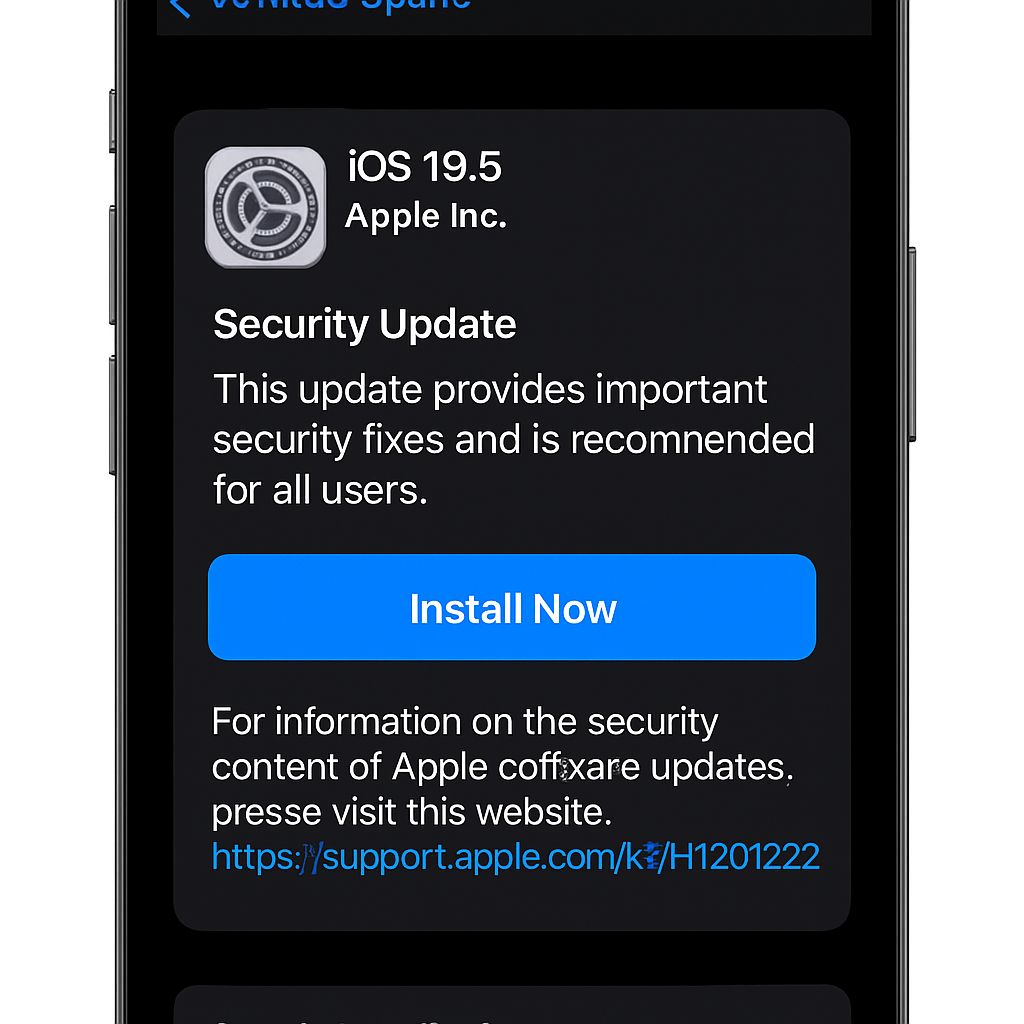
Updating is easy. Here’s how:
-
Go to Settings > General > Software Update
-
Tap Download and Install
-
Connect to Wi-Fi and ensure at least 50% battery
Pro Tip: Backup your data first to iCloud or iTunes for peace of mind.
Why the iOS 18.5 Security Update Is Non-Negotiable🤔
This isn’t just another patch. It’s about protecting:
-
Your personal photos
-
Banking apps and digital wallets
-
Messages and call logs
-
Browsing habits
With the rise of zero-click attacks and network-level threats, you don’t need to do anything wrong to get hacked. Just being connected can be enough.
Do yourself a favor: update now.
Pros & Cons of iOS 18.5 Security Update✉️
| Pros | Cons |
|---|---|
| Fixes 30+ high-risk security flaws | May require a restart |
| Protects network & media activity | Takes a few minutes to update |
| Essential for iPhone 16e users | Minor storage usage (~600MB) |
Frequently Asked Questions (30+)🤓
-
Is iOS 18.5 safe to install? Yes, it’s highly recommended for all users.
-
Does this update fix the iPhone 16e modem issue? Yes.
-
How big is the update? Around 300–600MB, depending onthe device.
-
Can I skip this update? Not advised due to security risks.
-
Does iOS 18.5 add new features? No, it focuses on security.
-
Will it slow down my iPhone? No noticeable performance issues reported.
-
Can I roll back after updating? Only via downgrade (not recommended).
-
Is Apple’s JPEG vulnerability dangerous? Yes, it can crash apps or enable remote access.
-
Was this issue being exploited? Some vulnerabilities were likely in use.
-
Does the iPad get this update too? Yes, iPadOS 18.5 is included.
-
How long does it take to install? Typically under 20 minutes.
-
Do I need to back up my phone? It’s best practice, yes.
-
Is this update available globally? Yes, for all supported devices.
-
Will this update affect my apps? Most apps work normally.
-
Can I update using mobile data? Wi-Fi is recommended.
-
What devices support iOS 18.5? iPhone XS and newer.
-
Is it safe to delay this update? No, update as soon as possible.
-
Will this help battery life? Indirectly, by improving stability.
-
Can I see what was patched? Yes, on Apple’s official support page.
-
What if I can’t install it? Try freeing space or restarting your device.
-
Does this patch affect Siri? No changes to Siri reported.
-
Any bugs after the update? Not widespread so far.
-
Will Face ID be affected? No, all core features work fine.
-
Is there a changelog? Yes, on Apple’s security page.
-
Can I use my phone during the update? Only after it finishes installing.
-
Will this fix iCloud sharing issues? Yes, a specific bug was patched.
-
What happens if I don’t update? Your phone remains vulnerable.
-
Can this update be automated? Yes, enable auto-updates in settings.
-
Are Macs affected? No, this is for iPhones and iPads only.
-
Will this fix network lag? It might, especially for iPhone 16e.
Final Thoughts: Don’t Wait to Secure Your Device
Cybercrime isn’t just for high-value targets anymore. With the iOS 18.5 security update, Apple is plugging dangerous holes that affect everyday users like you and me.
So, if you haven’t updated your iPhone yet, now is the time. It’s easy, free, and protects everything that matters.
Let’s hear from you! Did you install the iOS 18.5 security update yet? Noticed any differences? Share your experience in the comments below or tag us on social media.