
Top 5 Free AI Tools for Students in 2025🧠
Boost Your Learning with These Powerful (and 100% Free) AI Study Assistants
Introduction: Can Free AI Tools Help You Study Smarter, Not Harder?✍️
The answer might surprise you.
Imagine you’re swamped with assignments, midterms, and a messy to-do list. Now imagine having a digital study buddy that never sleeps, answers any question, and even helps write your essay. Sounds like a dream, right?
Well, it’s 2025, and those dreams are now tools.
If you’ve ever typed “best free AI tools for students” into Google and got overwhelmed with outdated or promotional results, you’re not alone.
After analyzing everything across the internet and gathering real-world insights, the Bhussan.com team proudly presents this friendly, handwritten-style guide. We’ve tested, compared, and broken down the top 5 free AI tools every student should be using in 2025.
So grab your digital backpack — we’re diving deep! 🎒
1. Google Gemini (Free Version)🚀
Best for: Fast research, summaries, and smart writing help
Google Gemini (previously Bard) has rapidly become one of the most student-friendly AI assistants out there. It’s integrated with Gmail, Docs, and Google Search — meaning it blends into your academic life seamlessly.
🎯 What You Can Do With Gemini:
-
Summarize textbook chapters or PDF notes into key bullet points
-
Create essay outlines and draft intros or conclusions
-
Translate passages or rewrite paragraphs in a different tone
-
Ask real-time questions and get accurate, current data
🤠 Personal Tip:
I once had to prep a full class presentation in 24 hours. I dropped my topic into Gemini, and it gave me not just a summary but also slide titles, talking points, and even source references — within minutes.
🤖 2. ChatGPT Free (GPT-3.5)
Best for: Essay help, coding bugs, brainstorming, and learning difficult concepts
If you’re not already using ChatGPT’s free version (GPT-3.5), you’re honestly missing out. It may not have real-time data like the paid version, but it’s still an unbeatable academic sidekick.
📚 Here’s What You Can Do With ChatGPT:
-
Write essays with clarity, structure, and creativity
-
Get simplified explanations on math, science, and history topics
-
Brainstorm ideas for school projects or assignments
-
Practice coding by debugging with a quick copy-paste
👨🏫 Example:
Need to understand macroeconomics in plain English? Just ask:
“Explain fiscal policy to me like I’m in 10th grade.”
And boom — you’ll have a clear, no-fluff breakdown in seconds.

3. Perplexity AI📖
Best for: Researching academic topics with credible sources
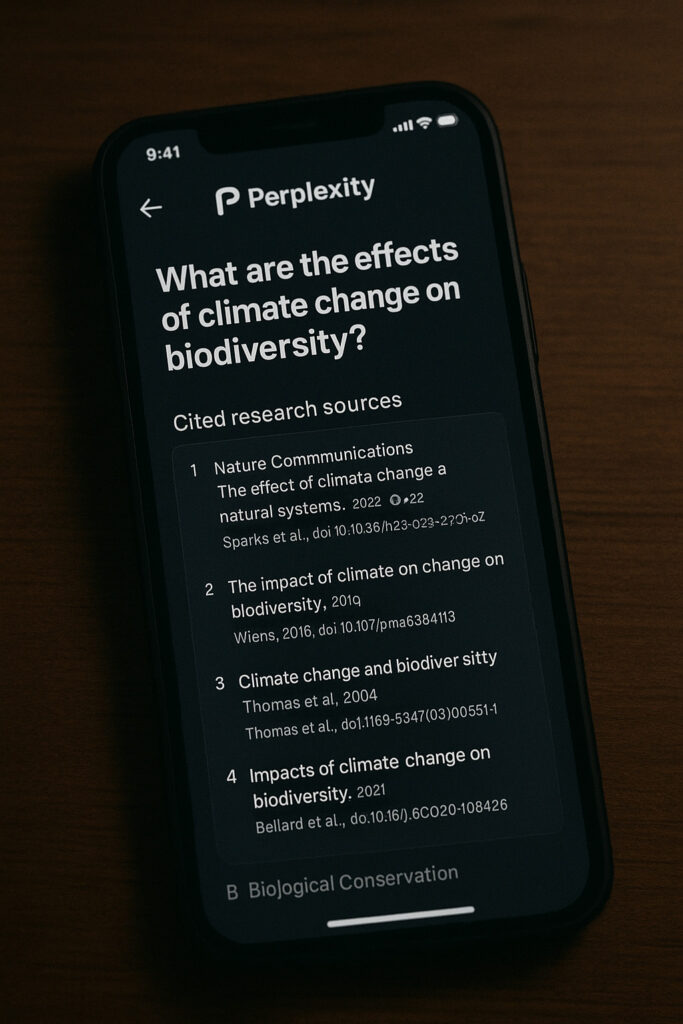
Most free AI tools give decent answers, but Perplexity backs its answers with links. That’s a game-changer for students writing papers, preparing presentations, or citing sources.
🔍 Features Students Love:
-
Instant, concise answers based on live web data
-
Follow-up questions to dig deeper
-
Academic citations included in answers
-
No signup required = no time wasted
🧪 Real-World Win:
I had to prepare a debate on “Renewable Energy in Africa.” Perplexity not only gave me the main arguments, but also linked to government reports and journal articles. Instant credibility!
4. Grammarly (Free Plan)✏️
Best for: Editing grammar, fixing tone, and sounding like a pro
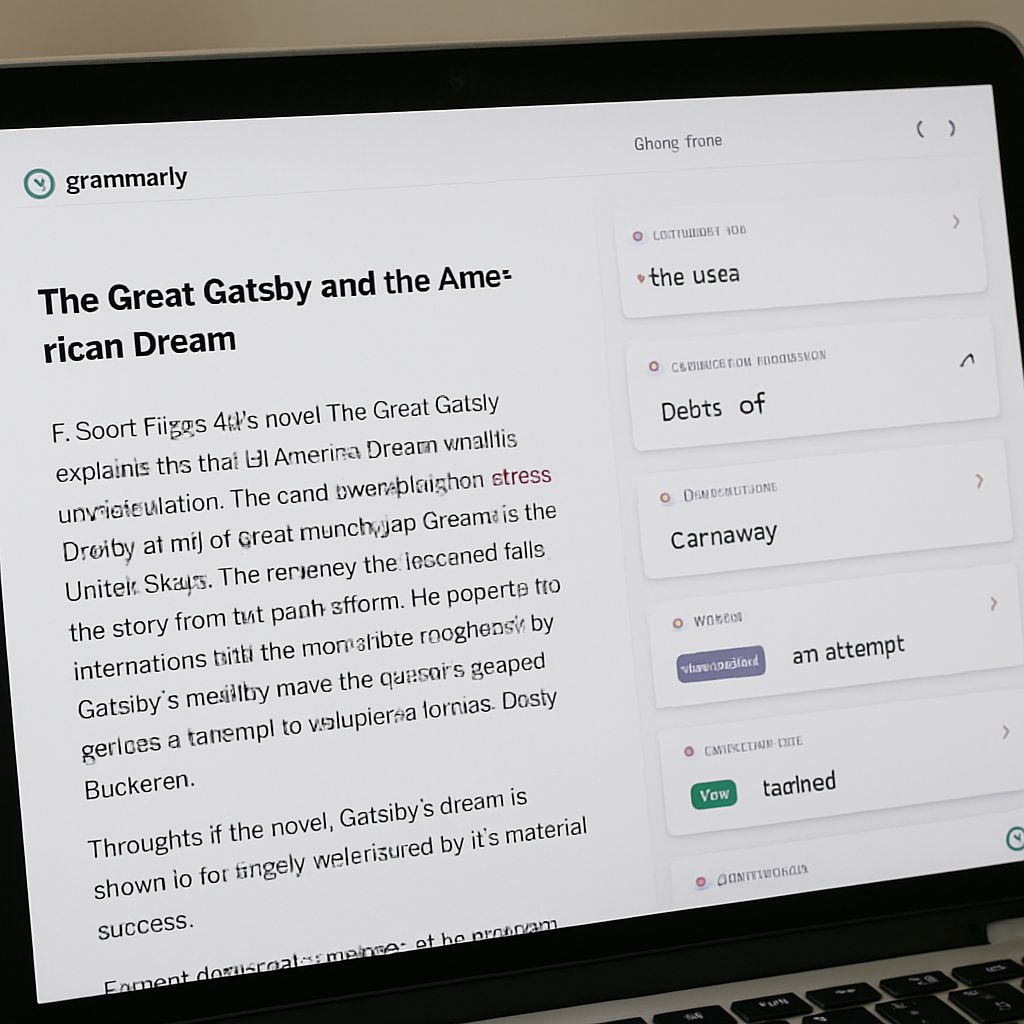
Even the best essay needs polishing — and Grammarly’s free plan is perfect for catching errors that could cost you marks.
✍️ Grammarly Helps You:
-
Fix spelling, grammar, and punctuation
-
Improve sentence clarity and flow
-
Adjust your writing tone (formal, friendly, etc.)
-
Avoid passive voice and repetition
💡 How I Use It:
After drafting it with ChatGPT or Gemini, I pasted my essay into Grammarly. It always catches 4–5 small errors that make a big difference in my final grade.
5. Khanmigo by Khan Academy📘
Best for: Personalized subject help (math, science, SAT, AP)
Unlike most chatbots, Khanmigo is trained by educators and built for students. It’s like having a private tutor on your laptop — for free.
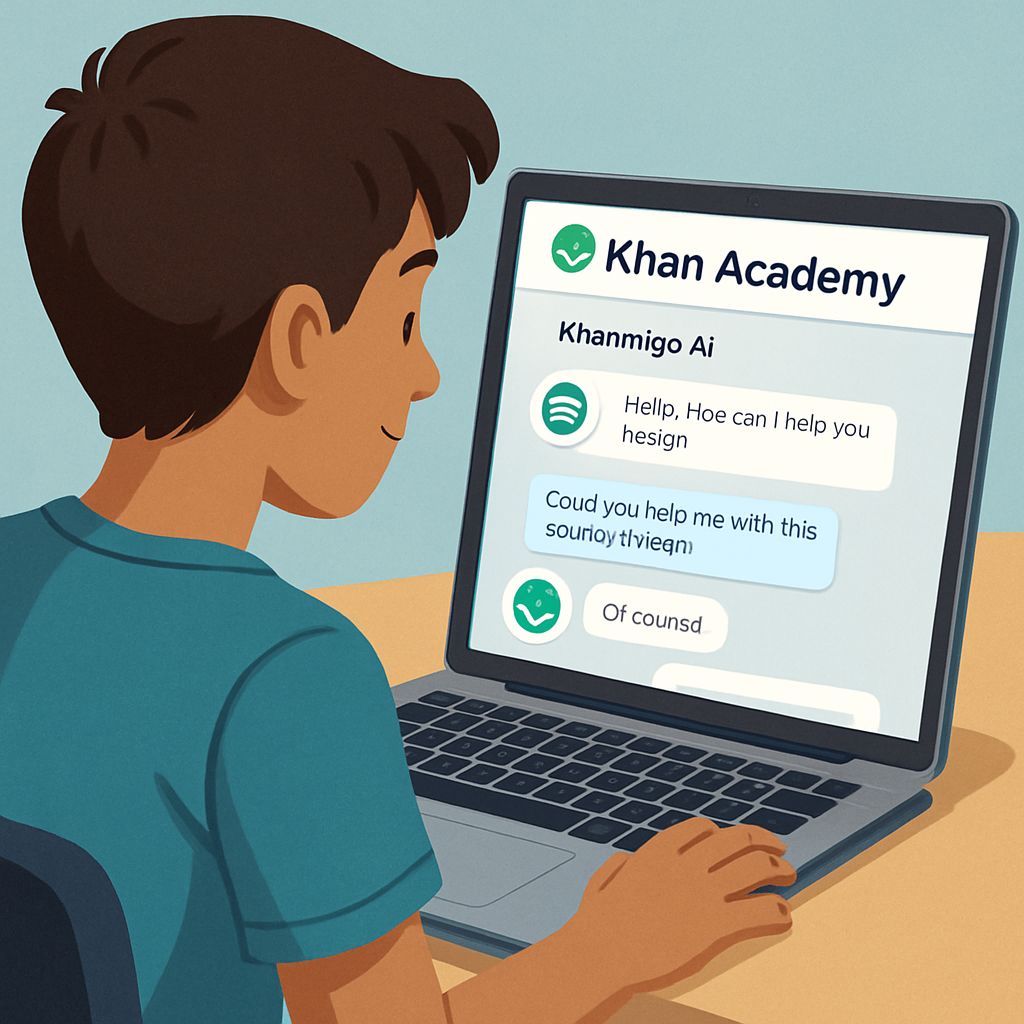
👨🏫 What Makes Khanmigo Special:
-
Step-by-step help with math, physics, and chemistry
-
Prepares you for SAT, ACT, AP exams
-
Promotes active learning by guiding (not just giving answers)
-
100% free and safe for school use
💬 Fun Fact:
A friend of mine used Khan Academy to prep for her AP Calculus exam. She said it was “like having a genius study buddy who never gets tired.”
Pros and Cons of Each Tool
| AI Tool | Pros | Cons |
|---|---|---|
| Google Gemini | Fast, integrated with the Google ecosystem, and reliable summaries | Limited advanced features in the free version |
| ChatGPT Free | Great for brainstorming, explanations, and essay help | No real-time data, basic compared to paid versions |
| Perplexity AI | Provides citations, great for academic research | The interface can be cluttered, with occasional broken links |
| Grammarly | Polishes writing, improves clarity, and tone | The free version misses advanced suggestions |
| Khanmigo | Guided tutoring with school-safe AI, exam-focused | Still in beta, not available to all users without signing up |
30+ FAQs: Free AI Tools for Students❓
-
What are the best free AI tools for students in 2025?
The top free tools are ChatGPT (GPT-3.5), Google Gemini, Grammarly, Perplexity AI, and Khanmigo. -
Is ChatGPT free to use for students?
Yes, GPT-3.5 is completely free and offers great academic support. -
Can Google Gemini help write essays?
Absolutely! It can generate outlines, drafts, and summaries. -
What is the difference between ChatGPT and Gemini?
Gemini is more integrated with Google tools; ChatGPT is better for creative, conversational help. -
Does Grammarly fix plagiarism?
Not in the free version. You need the premium plan for plagiarism checks. -
How accurate is Perplexity AI?
Very accurate and includes citations for verification. -
Is Khanmigo better than a real tutor?
It’s a great free alternative, but not a full replacement for in-person tutoring. -
Are these tools safe for school?
Yes, they’re widely accepted and designed for student use. -
Do I need to pay for advanced features?
No, the free versions offer excellent value, though upgrades are optional. -
Can AI tools help with coding?
Yes! ChatGPT and Gemini both help fix bugs and explain code. -
Do any AI tools support math problems?
Khanmigo is best for step-by-step math support. -
Is Grammarly good for college students?
Yes, especially for writing clear, error-free essays. -
Can I use AI for SAT prep?
Yes! Khanmigo is tailored for SAT, ACT, and AP test prep. -
Is Perplexity better than Google Search?
For research, yes — it provides summarized info with citations. -
Can ChatGPT write poems or creative stories?
Yes! It’s great for creative writing and brainstorming. -
What AI tools offer citation support?
Perplexity AI is best for cited academic responses. -
Are these tools good for non-English speakers?
Yes, many support translation and multi-language use. -
How can AI help with language learning?
By translating, correcting grammar, and explaining phrases. -
Are free AI tools good enough for university students?
Yes, especially for essay writing, research, and editing. -
What are the limitations of Gemini’s free version?
It lacks deeper reasoning and real-time updates in some cases. -
Can AI tools improve your GPA?
Definitely! Used wisely, they can improve productivity and understanding. -
Do professors allow AI use?
Some do, some don’t — always check your school’s policy. -
What is the best AI for AP exams?
Khanmigo is designed specifically for high school test prep. -
Are these tools mobile-friendly?
Yes, all have mobile apps or responsive websites. -
Can AI detect plagiarism?
Not directly. Use tools like Turnitin for that. -
What’s the best AI for presentations?
Gemini is great at creating slide titles, outlines, and talking points. -
Is it cheating to use AI tools?
Not if used ethically — as support, not as a replacement. -
What’s the future of AI in education?
More personalized, guided learning powered by smart AI tutors. -
Can AI replace human tutors?
Not fully, but they offer amazing support and accessibility. -
How do you choose the right AI tool?
Pick based on your need: writing, research, editing, or studying. -
Are these tools secure and private?
Yes, major platforms follow strict security protocols. -
Which AI tool is best for science subjects?
Khanmigo for tutoring, Perplexity for cited research. -
Can AI help with group projects?
Yes! Use ChatGPT for brainstorming, Gemini for research, and Grammarly for editing.
Conclusion: Which AI Tool Should You Try First?
Each of these AI tools is powerful in its own way, and best of all — they’re FREE.
✅ Need quick research? Try Google Gemini or Perplexity.
✅ Writing essays? Go with the ChatGPT + Grammarly combo.
✅ Test prep or math help? Khanmigo is a no-brainer.
Whatever you pick, these tools won’t just save you time — they’ll make learning faster, easier, and way more fun. Start today and supercharge your studies! 🚀
So why wait? Test on